Steady practice, one card at a time.
Drills, flashcards and practice questions for the ASWB Clinical exam, all in one place. Your progress saves in your browser.
A note before you start
I built EmbersEdge to study for my own ASWB Clinical exam. It helped me, and I hope it helps you too.
This site is in beta testing, so some answers may be wrong. If you find one, please submit it so I can fix it for everyone who comes after you.
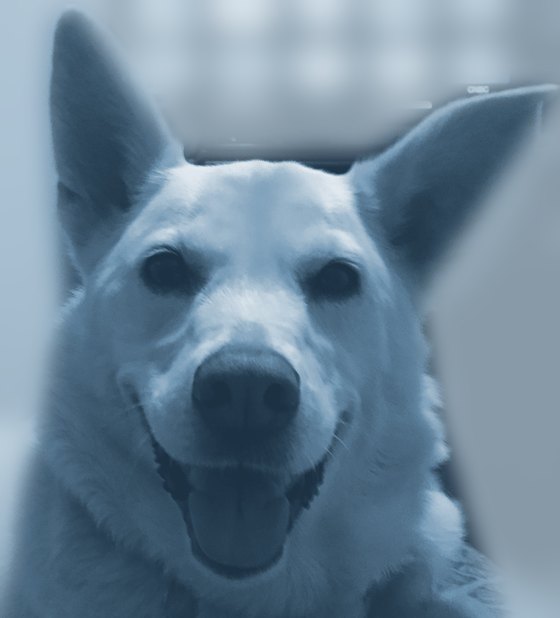
The name comes from Ember, my dog and loyal companion, who has since passed away. Her memory still pushes me to do my best work. I hope a little of that carries over and gives you an edge on test day.
Thank you for testing, and good luck on your exam.
Clinical Drill
Order drills for the Reasoning Engine, spaced-repetition flashcards, timed practice questions with deep-dive explanations, and an error log that shows where points are leaking.
Reasoning Cards
Question cards organized by the 2026 exam's content areas, each tagged with the tier of the Reasoning Engine that decides it.
Clinical Flashcards
A large bank of content cards following the ASWB guidebook's Clinical outline: development, assessment, theory, practice.
How to use EmbersEdge
There are three tools, and each one teaches a different way. All of them are built around the Reasoning Engine above: when two answers both look right, the one higher on that list usually wins.
Clinical Drill
- Order drills: tap the steps in the right order. Covers the Reasoning Engine, safety and crisis steps, ethical decision-making, stages of change, levels of care, group stages, and the big development theories (Piaget, Maslow, Kohlberg, Freud, Bronfenbrenner).
- Flashcards: say the answer out loud, then flip. Mark Got it or Missed it, and cards move through five mastery boxes, so missed cards come back sooner.
- Practice: exam-style questions with three options. Predict your answer first, then reveal the choices. Filter by domain or by questions you've missed. Each answer explains why the other options are traps.
- Error log: your accuracy by content area, your most common mistake, and a list of every question you've missed.
Reasoning Cards
Organized by the three content areas of the 2026 exam, plus a section on test strategy: I. Values & Ethics (36%), II. Assessment & Planning (32%) and III. Intervention & Practice (32%). Each card lights up the Reasoning Engine step that decides it.
Clinical Flashcards
The largest bank, organized by the ASWB guidebook's four content areas: human development, assessment and diagnosis, interventions, and ethics. Use it to build knowledge. The questions have four choices, so the format differs from the real exam.
Using either card tool
- Pick a topic in the outline on the left, or study All topics.
- Show all choices quizzes you. Show answer only works like a classic flashcard.
- Missed only and Unseen only narrow the deck. Shuffle mixes it up.
- Open Dig deeper under any card for the full lesson behind it.
- Keyboard: letter keys answer, Space reveals, ← → move.
A study routine that works
- Warm up (5 min). Run the Reasoning Engine order drill until you can do it without a mistake.
- Learn (15 min). Pick one section in Reasoning Cards or Clinical Flashcards. Read Dig deeper on anything you miss.
- Test (20 min). Do Practice questions in the same domain. Predict before you peek, and aim for under two minutes each.
- Review (5 min). Check the Error log, then rerun Practice on Only ones I've missed.
Near exam day, shift your time toward Practice and the Error log.
Good to know
- Your progress saves in this browser on this device. Clearing your browser data erases it.
- Each tool has a Reset option if you want to start over.
- The bar at the top of every tool takes you back here.